CharmCue / Reply ideas + profile reviews
Your chats.Your profile.Still you.
Find a reply that feels like you.
See what to improve in your dating profile.
AI analysis requires Premium. You choose what to send.
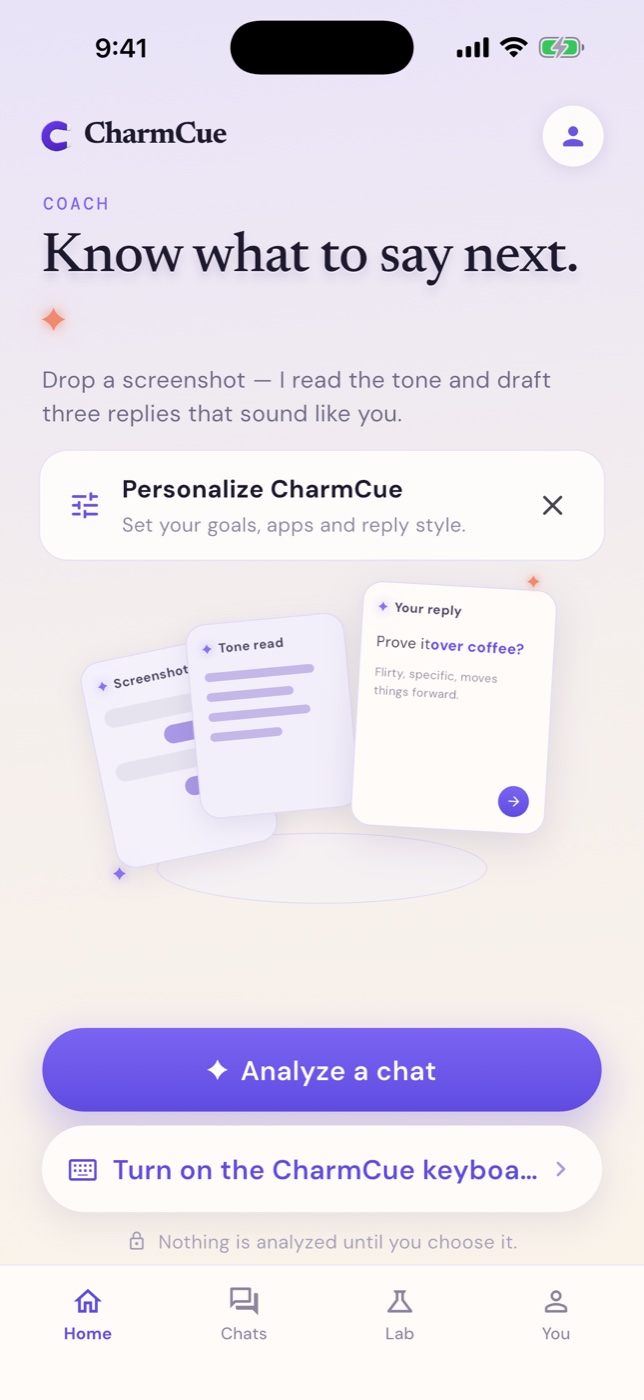
 CharmCue
CharmCue / Reply ideas + profile reviews
Find a reply that feels like you.
See what to improve in your dating profile.
AI analysis requires Premium. You choose what to send.
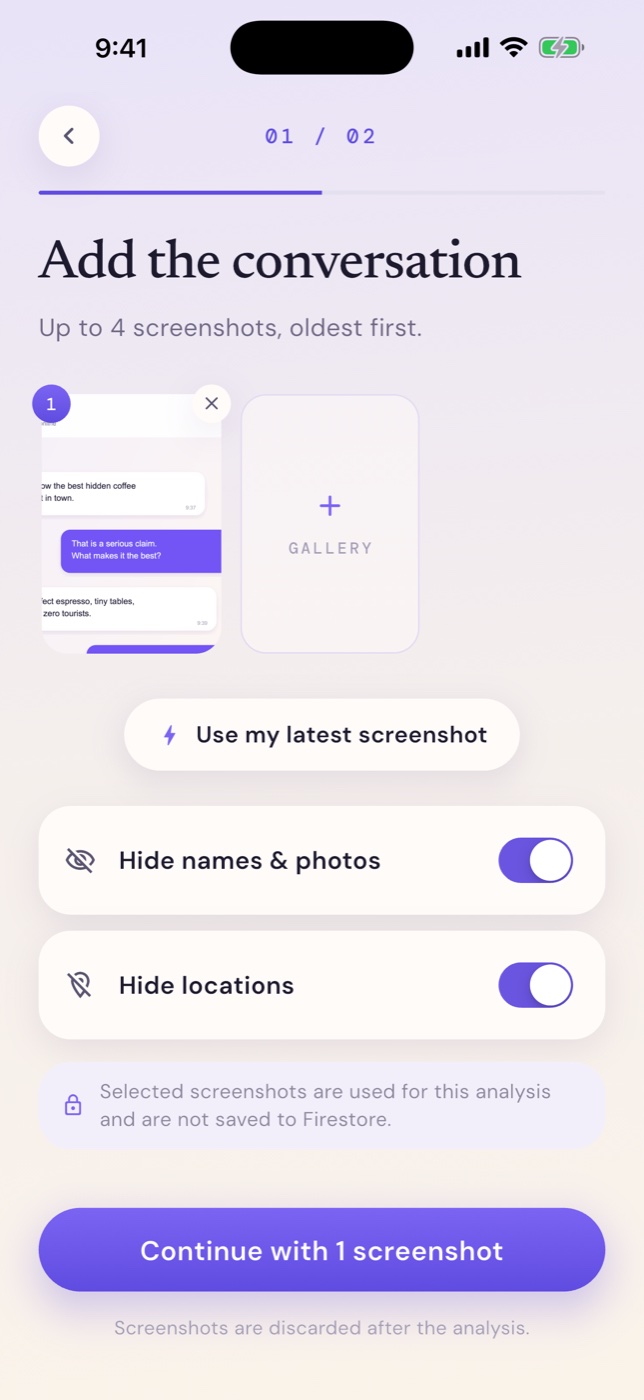
01 / Start with the context
Add a screenshot or paste your conversation.
CharmCue reads the context before suggesting a reply.
Screenshot · Paste · WhatsApp export
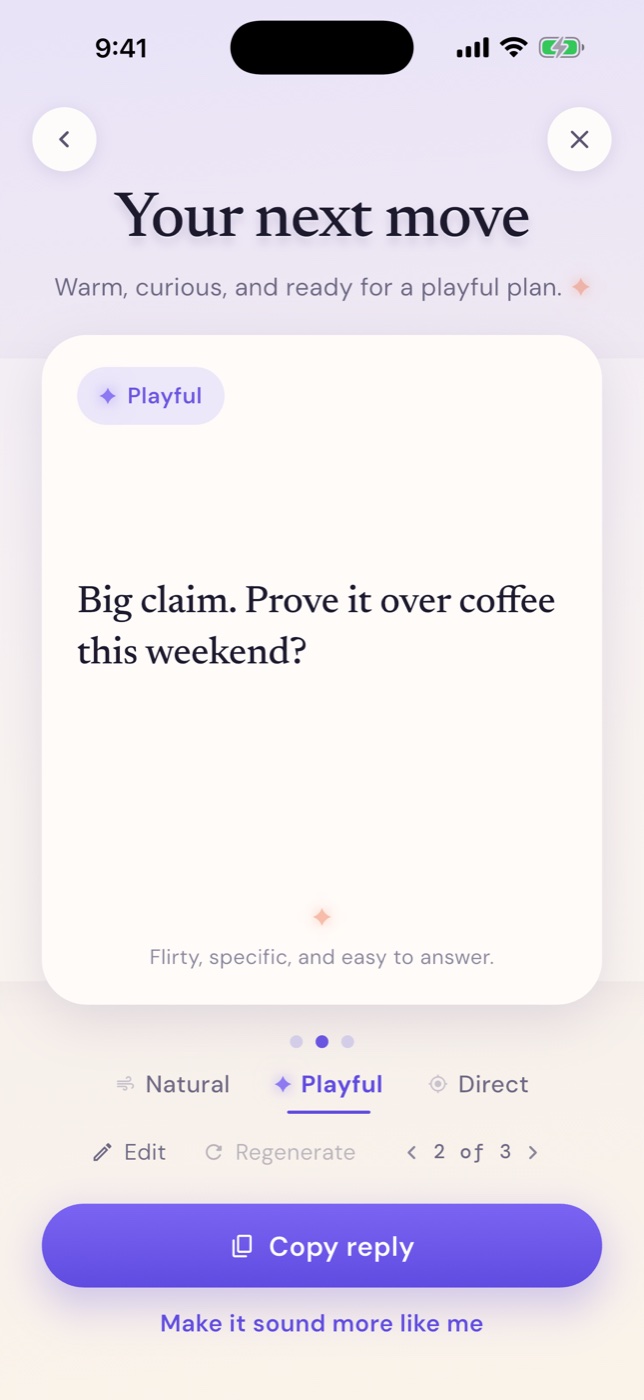
02 / Your next reply
Explore a few replies. Choose a tone.
Change a word, a sentence, or the whole thing.
A starting point. You decide what to send.
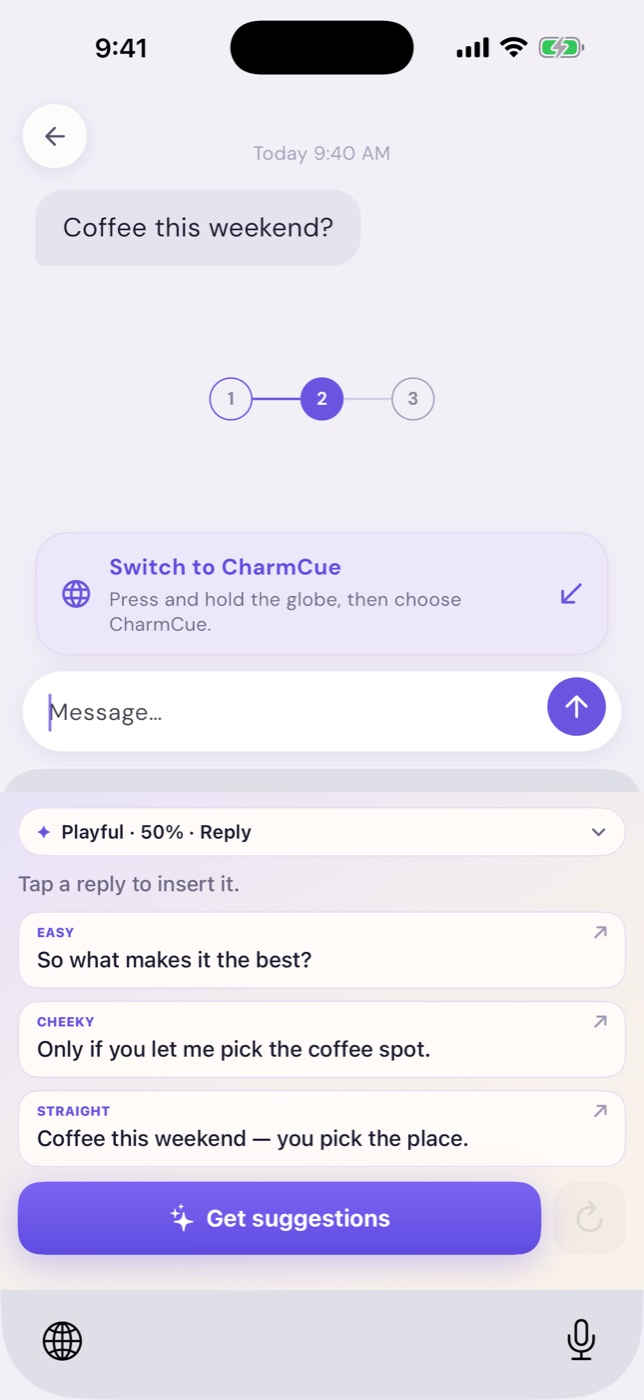
03 / The CharmCue keyboard
Reply ideas in your keyboard.
Preview, choose, and copy into the conversation.
04 / Profile Lab
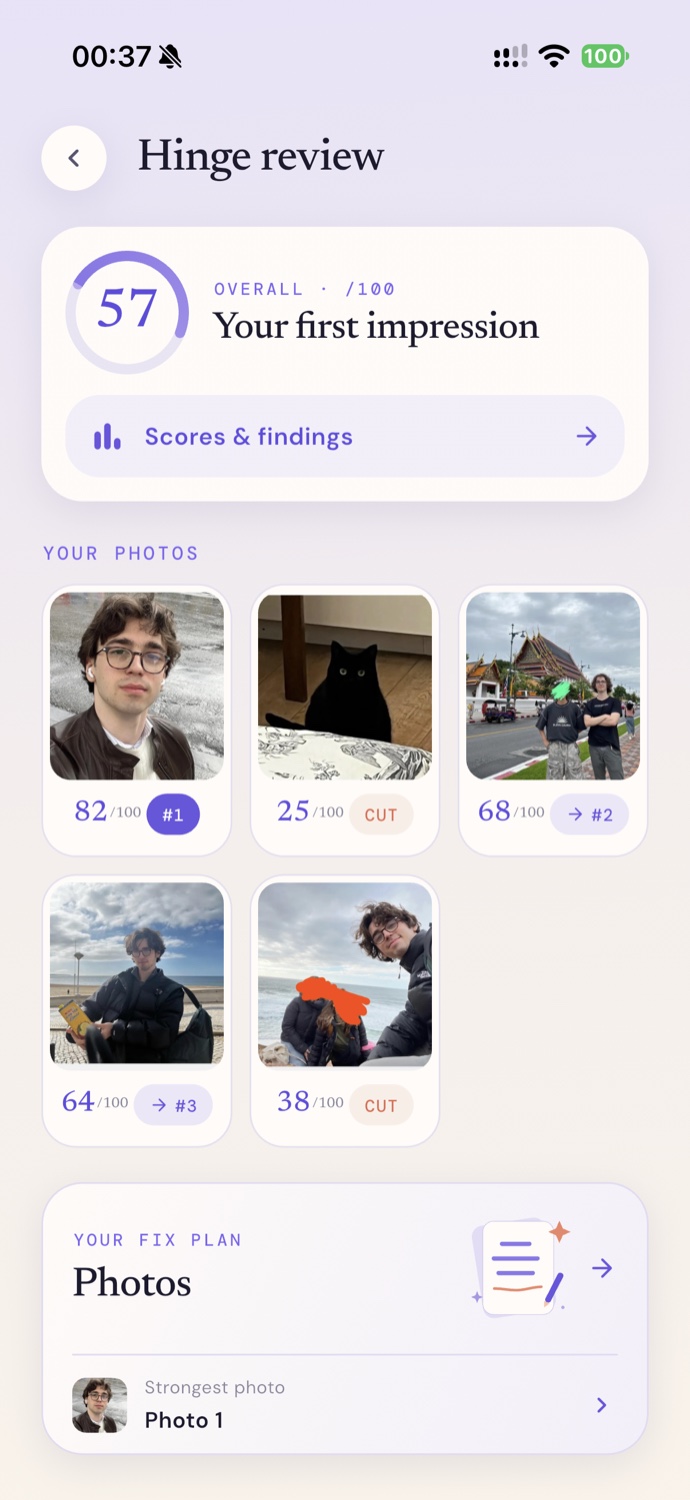
Feedback on your photos, prompts, and conversation hooks.
See what works, and what to try next.
Example review shown. Scores describe the profile.
Try a reply on for size
Before you download
About the app, your data,
and what you pay for.
Add a conversation screenshot, paste your messages, or import a WhatsApp export. CharmCue suggests replies you can choose and edit. For Profile Lab, add your profile screenshots to get scores and suggestions for improving the profile.
No. CharmCue gives you suggestions. You choose what to use, edit it, and decide when to send it. It does not sign in to your dating accounts or message people for you.
The score reviews the profile’s presentation: photo variety and order, prompt quality, conversation hooks, and completeness. It helps you choose what to improve; it is not a prediction of matches. The review shown here is an example made with the real app interface.
When you request AI analysis, your selected content is sent through our backend to Google Gemini. Raw screenshots and message text are not saved in our database. Conversation suggestions may be saved to your anonymous account; profile reviews and their previews stay on your device. Read the full privacy policy.
AI conversation analysis, profile analysis, and network reply suggestions in the keyboard require Premium. The app shows the available plans, price, and any offer before you purchase. Apple manages payment and subscription cancellation. See purchase and cancellation help.
No. You can use the main app on its own. The optional iPhone keyboard needs Full Access for online suggestions. It previews a selected screenshot and waits for you to tap “Use it” before uploading it for analysis. Read the setup steps.
CharmCue for iPhone
Reply ideas. Profile feedback.
The choice of what happens next.
AI features require a subscription. For adults 18+.